Intensive Technical Workshops (3h30)
Rapid upskilling on cutting-edge AI technologies
Need to quickly acquire a specific technical skill? Our 3h30 intensive workshops allow you to start immediately on emerging AI technologies: MCP, Copilot Studio, LangGraph, RAG, security...


MCP Server Workshop: Build AI Tool Integrations (3h30 Hands-on)
€990 excl. tax / person
€4,500 excl. tax / group (up to 8 participants)
Why this workshop?
The Model Context Protocol (MCP) developed by Anthropic revolutionizes how LLMs interact with tools and external data sources. This workshop teaches you to build a functional MCP server and create your own custom tools.
Detailed program
Introduction: MCP Concepts
- What is the Model Context Protocol?
- Architecture: servers, clients, tools, schemas
- Authentication and authorization
- Use cases: Slack, GitHub, database, CRM integrations...
Lab 1: Build your first MCP server
- MCP server scaffolding (templates provided)
- Define JSON schemas for your tools
- Implement business logic
- Test locally with MCP client
Lab 2: Connect an LLM client (Claude/ChatGPT)
- MCP client configuration
- Invoking tools from an LLM conversation
- JSON validation and error handling
- Debugging and logs
Security & Logging
- Capability scoping: limiting permissions
- Authentication with tokens
- Audit trails: tracing tool invocations
- Security best practices
Packaging & Deployment
- Deploy behind an API Gateway (AWS, Azure, GCP)
- Secret management (environment variables, vaults)
- Monitoring and scaling
- Production checklist
Deliverables
- Git repository with functional MCP server + 2 tools
- Production checklist: security, monitoring, deployment
- Reusable templates for your future MCP tools
- Complete technical documentation
Prerequisites
- Basics in Python or JavaScript/TypeScript
- Familiarity with REST APIs
- Anthropic (Claude) or OpenAI (ChatGPT) account

Internal Copilots with Microsoft Copilot Studio
€890 excl. tax / person
€4,000 excl. tax / group (up to 8 participants)
Why this workshop?
Microsoft Copilot Studio allows you to quickly create conversational AI agents connected to your corporate data (SharePoint, Dataverse, SQL...). This workshop teaches you to build, secure, and deploy an internal copilot in a few hours.
Detailed program
Introduction: What to build and how much does it cost?
- What is Microsoft Copilot Studio?
- Use cases: HR support, business assistants, document search
- Cost model: credits, licensing
- Differences with Power Virtual Agents
Lab 1: Build your first agent
- Create a copilot in Copilot Studio
- Configure tone of voice and system instructions
- Connect a data source (SharePoint, OneDrive, or Dataverse)
- Add custom actions (Power Automate flows)
- Test in simulator
Lab 2: Guardrails and Security
- Role-based access control: who can use the copilot?
- Data boundaries: limiting access to sensitive data
- Content moderation and security filters
- Test edge-cases and jailbreaks
- Logging and monitoring
Adoption & Deployment
- Measure ROI of your copilot (key metrics)
- Change management: how to train your users
- Rollout strategy: pilot, deployment waves
- Integration in Teams, SharePoint, or website
- Workshop: Build an adoption plan for your organization
Deliverables
- Functional agent prototype connected to your data
- Governance checklist: security, compliance, GDPR
- Adoption plan for your organization
- Prompt templates and Power Automate flows
Prerequisites
- Microsoft 365 account (E3 license or higher recommended)
- Access to Copilot Studio (trial available)
- No advanced technical skills required

LangGraph Workshop: Build Agentic AI Workflows (3h30 Hands-on)
€990 excl. tax / person
€4,500 excl. tax / group (up to 8 participants)
Why this workshop?
LangGraph is the reference framework for building complex agentic workflows with LLMs. This workshop teaches you to create agents that use tools, manage memory, and orchestrate multi-step tasks.
Detailed program
Introduction: Agents vs Workflows
- What is an AI agent?
- Difference between chains and agents
- Why LangGraph? Comparison with AutoGPT, CrewAI, etc.
- LangGraph architecture: nodes, edges, state
Lab 1: Agent with tools, memory, and persistence
- Setup: installing LangGraph and dependencies
- Create a simple agent with LangChain
- Add tools (web search, calculator, external API)
- Implement conversational memory
- Persist state in a database (SQLite, Redis)
- Test agent on multi-turn tasks
Failure management and robustness
- Retry logic: retry in case of LLM or API error
- Fallback strategies: what to do if the agent fails?
- Timeouts and limits: avoid infinite loops
- Output validation: Pydantic schemas
- Error handling best practices
Observability & Deployment
- Logging and tracing with LangSmith
- Metrics: latency, costs, success rate
- Deploy a LangGraph agent in production
- Operational notes: token management, rate limits
Deliverables
- Template repository for your future LangGraph agents
- State diagram of your agentic workflow
- Deployment script (Docker + FastAPI)
- Observability playbook: logs, traces, metrics
Prerequisites
- Python (intermediate level)
- Basic knowledge of LLMs and APIs
- OpenAI or Anthropic account (API key)
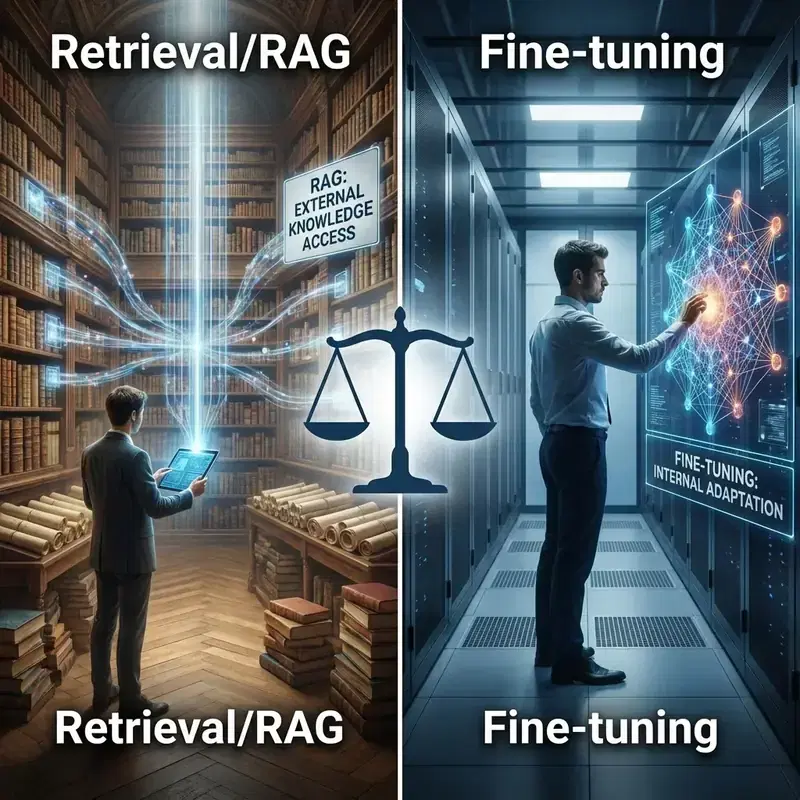
Enterprise RAG on SharePoint/Confluence
€990 excl. tax / person
€4,500 excl. tax / group (up to 8 participants)
Why this workshop?
Retrieval-Augmented Generation (RAG) allows you to connect your LLMs to your internal data (SharePoint, Confluence, document bases). This workshop teaches you to build a high-performance, evaluated, and production-ready RAG system.
Detailed program
Introduction: Retrieval Strategies
- What is RAG and why is it essential
- Retrieval strategies: semantic search, keyword search, hybrid
- Re-ranking: improving relevance with Cohere, Anthropic
- Chunking strategies: how to split your documents
Lab 1: Index and query your data
- Connect a data source (SharePoint, Confluence, local files)
- Split and index documents in a vector DB
- Implement semantic search
- Create a QA chain with LangChain
- Add citations (source attribution)
Lab 2: Evaluation and Optimization
- Create an evaluation dataset (reference Q&A)
- Measure precision (retrieval accuracy, answer quality)
- Measure latency and costs
- A/B testing of different chunking strategies
- Optimize with re-ranking and metadata filters
Hardening: Security and Operations
- ACL mirroring: respecting SharePoint/Confluence permissions
- Cache: reduce costs with intelligent caching
- Cost optimization: choose the right embedding model, vector DB
- Monitoring: tracking quality over time
- Incremental index update
Deliverables
- Ready-to-use RAG starter (code + config)
- Evaluation dataset with metrics
- Operational notes: costs, scaling, maintenance
- Security checklist: ACL, confidentiality, GDPR
Prerequisites
- Python (intermediate level)
- Access to SharePoint or Confluence (to test with your data)
- OpenAI or Anthropic account (API key)

Generative AI Workshop: Text, Image & Automation (3h30 Hands-on)
€890 excl. tax / person
€4,000 excl. tax / group (up to 8 participants)
Why this workshop?
Master the most powerful generative AI tools on the market in 3h30. Prompt engineering, text generation, image creation and content automation: leave with techniques immediately applicable in your daily professional work.
Detailed program
Introduction: Generative AI Landscape in 2025
- State of the art: ChatGPT, Claude, Midjourney, DALL-E, Copilot
- How generative AI changes your profession
- Live demonstrations: text, image, code
- Define your priority use cases
Lab 1: Mastering Text Generation
- Prompt engineering: structure, context, examples
- Generate marketing content (LinkedIn posts, emails, landing pages)
- Advanced techniques: personas, chain-of-thought, iteration
- Compare ChatGPT vs Claude: strengths and weaknesses
- Hands-on exercise on your own use cases
Lab 2: Image Generation & Creative Workflows
- Create visuals with Midjourney and DALL-E
- Write effective visual prompts
- Creative workflows: from idea to finalized visual
- Retouching and iteration: refine results
- Integrate AI visuals into your communication materials
Lab 3: Automating Content Production
- Generate code with GitHub Copilot
- Automate content creation at scale
- Reusable templates and workflows
- Integrate AI into your existing tools (Notion, Slack, Office)
Ethics, Limits & Daily Integration
- Current limits: hallucinations, bias, confidentiality
- Ethical framework: plagiarism, copyright, GDPR
- Build your daily AI routine
- Personalized action plan for the next 30 days
Deliverables
- Ready-to-use prompt kit (text + image)
- Best AI tools guide by use case
- Automated workflow templates
- Personalized 30-day action plan
Prerequisites
- No technical skills required
- Laptop with internet access
- Free ChatGPT and Claude accounts (instructions provided before the workshop)
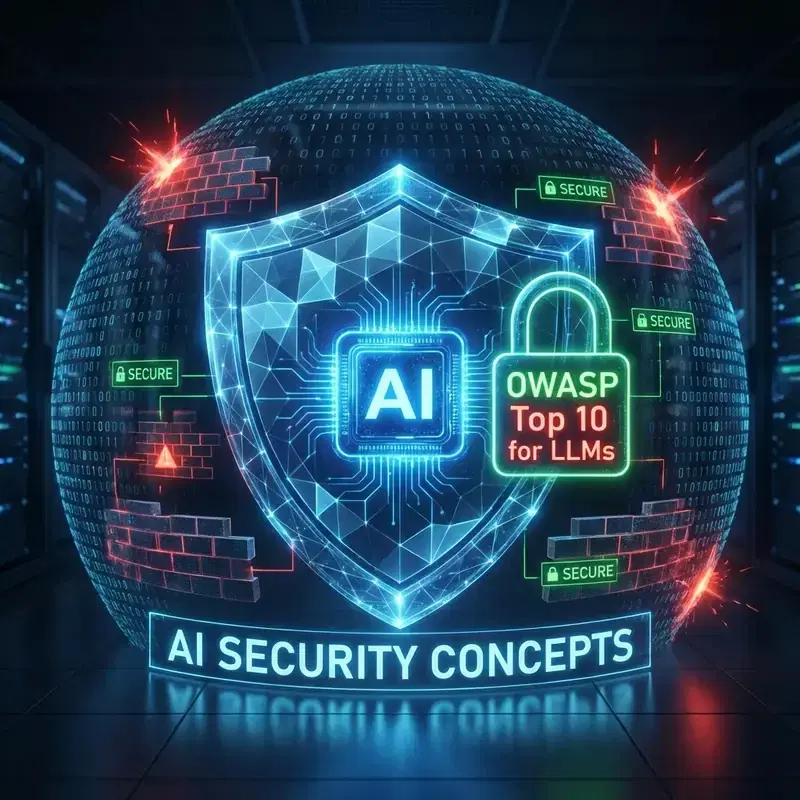
Defense against Prompt Injection and Data Leaks
€990 excl. tax / person
€4,500 excl. tax / group (up to 8 participants)
Why this workshop?
AI applications are vulnerable to prompt injections, jailbreaks, and data leaks. This workshop teaches you to identify these threats and implement multi-layer defenses to secure your LLM systems.
Detailed program
Threat Model
- What is a prompt injection?
- Attack types: Direct/Indirect prompt injection, Data exfiltration, Model manipulation
- Real case studies: LLM security incidents
Lab 1: Attacking a demo application
- Setup: deploy a vulnerable LLM application
- Exercise: Jailbreak the system with malicious prompts
- Exercise: Extract sensitive data (PII, secrets)
- Exercise: Indirect injection via a malicious document
- Observe exfiltration paths
Lab 2: Adding multi-layer defenses
- Layer 1: Input validation (schema enforcement, regex filters)
- Layer 2: Tool policy (restrict accessible tools)
- Layer 3: Content filters (moderation with OpenAI Moderation API, Azure Content Safety)
- Layer 4: Output sanitization (remove PII, secrets)
- Layer 5: Monitoring and alerting
- Test attacks again: measure effectiveness
Test harness & Red Team
- Create an automated test suite for LLM security
- Red-team checklist: attack scenarios to test systematically
- CI/CD integration: test security at each deployment
- Frameworks: OWASP Top 10 for LLMs
- Incident response playbook
Deliverables
- Security playbook for LLM applications
- Automated test suite (attacks + defenses)
- Red-team checklist for regular audits
- Content filters and policies templates
Prerequisites
- Python (intermediate level)
- Knowledge of LLMs and APIs
- Basics in application security (desirable)
Mastering Claude Code: from installation to team workflow
890 EUR excl. tax / person
4,000 EUR excl. tax / group (up to 8 participants)
Why this workshop?
Claude Code is transforming how tech teams build software. As a PM, tech lead or manager, understanding this tool is no longer optional: it is the key to accurate estimation, project structuring and getting the best from your developers.
Detailed program
Module 1: Understanding and installing Claude Code
- What Claude Code actually does: an autonomous agent in the terminal
- Difference with Cursor, Copilot and other code assistants
- Available models (Opus, Sonnet, Haiku) and when to choose which
- Pricing plans (Pro $20/mo, Max $100/mo)
- Guided installation and first launch
- Exercise: explore a project and produce a summary
Module 2: CLAUDE.md — Your team's project memory
- The role of CLAUDE.md: a permanent brief read at each session
- Content: stack, conventions, architecture, business rules, anti-patterns
- Configuration hierarchy: root, per-folder, personal
- Workshop: collective drafting of a CLAUDE.md for an e-commerce project
- Before/after comparison: same request with and without CLAUDE.md
Module 3: MCP Servers — Connecting Claude Code to the world
- MCP (Model Context Protocol) in 5 minutes
- Useful integrations: GitHub, Slack, Google Drive, Jira, databases
- Configuring an MCP server in a project
- Live demo: reading GitHub issues, creating PRs, Slack notification
- Exercise: connect Claude Code to a tool and test an interaction
Module 4: Hooks, Skills and Subagents
- Hooks: automatic scripts (lint, blocking sensitive files, notification)
- Skills: reusable Markdown expertise (deployment, specs, analysis)
- Subagents: specialized agents working in parallel
- Demo: anti-password hook, changelog skill, code review subagent
- Workshop: design a workflow for your team
Module 5: Integrating Claude Code into daily workflow
- Metrics: review time, bug resolution, sprint velocity
- Adoption: pilot project, measure, iterate
- Pitfalls: over-reliance, missing human review, neglected CLAUDE.md
- Budget: Pro vs Max, API vs CLI
- Security and governance
- Deliverable: personalized 3-step adoption plan
Deliverables
- Working Claude Code environment on your machine
- CLAUDE.md template ready to adapt to your projects
- Understanding of relevant MCP integrations for your stack
- Hooks + skills + subagents workflow designed for your team
- Personalized 3-step adoption plan
Prerequisites
- Ability to open a terminal and type a command
- No programming skills required
- Active Claude Pro or Max account
- Node.js installed on your machine
Need to upskill quickly?
Our intensive workshops are designed to make you operational in 3h30 on the most in-demand technologies.